
Why is Your Business Not Ranking on Google Maps? Here is Why
Is your business struggling to appear in Google Maps results?
You may have already created a Google Business Profile, added your phone number, uploaded photos, and included your website. However, your business may still not appear when potential customers search for your services.
This can happen for several reasons.
Google Maps rankings depend on factors such as relevance, distance, business authority, profile optimization, customer reviews, website quality, and local SEO signals.
In this guide, you will learn why your business is not ranking on Google Maps and what you can do to improve your local visibility.
How Does Google Determine Local Rankings?
Google mainly considers three factors when ranking businesses in local search results:
Relevance
Relevance refers to how closely your business matches what the customer is searching for.
For example, a business properly optimized as a mortgage broker is more likely to appear for searches such as:
- Mortgage broker near me
- Best mortgage broker in my area
- Local home loan specialist
Distance
Google considers how close your business is to the location of the person searching.
Your business may rank strongly near your office but appear lower when someone searches from a different area.
Prominence
Prominence refers to how trusted, established, and well-known your business appears online.
Google may evaluate your:
- Customer reviews
- Website authority
- Local backlinks
- Business citations
- Online mentions
- Brand reputation
- Overall local presence
How Shopify SEO Can Bring More Organic Customers to Your Store
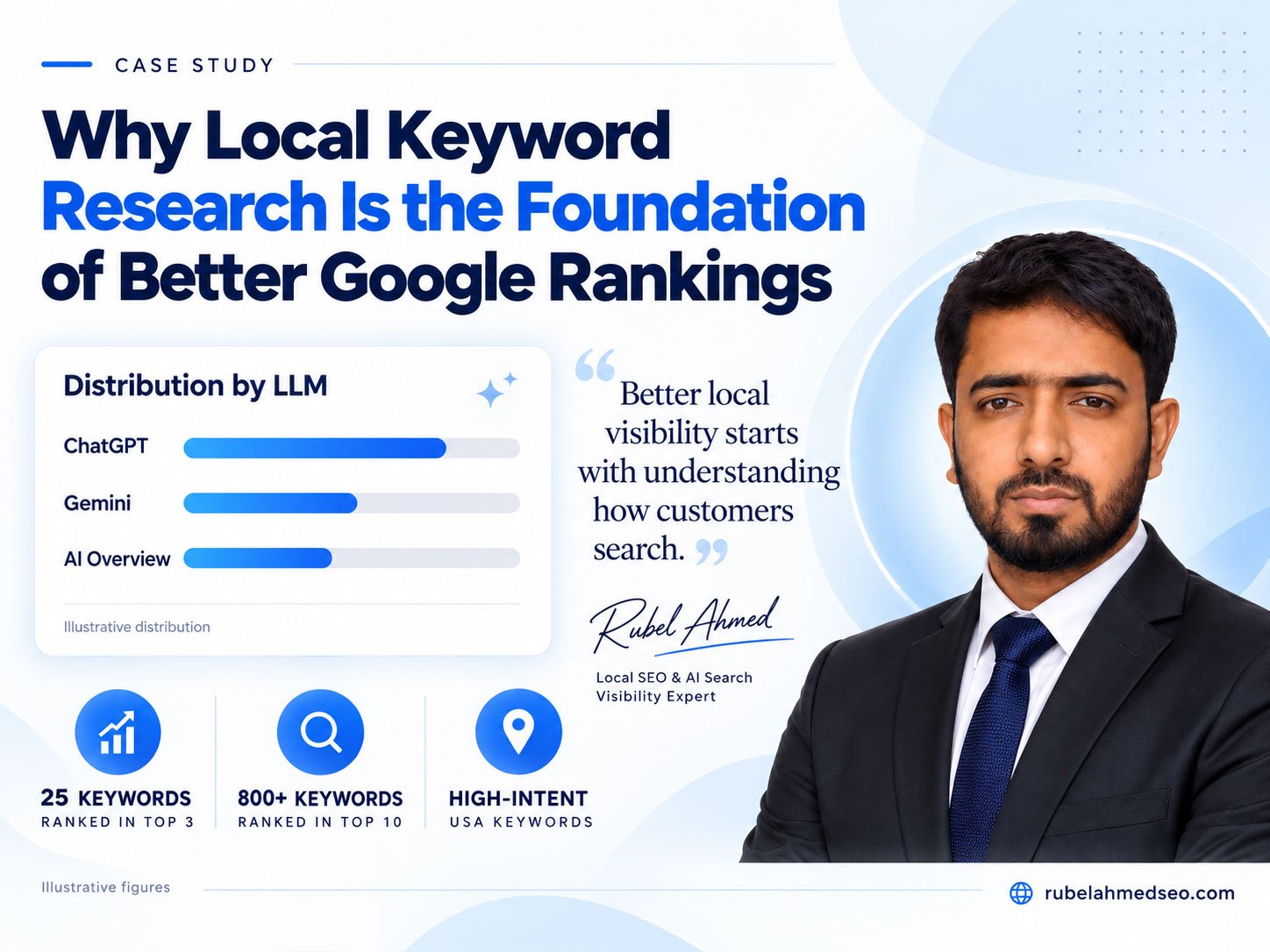
Why Local Keyword Research Is the Foundation of Better Google Rankings
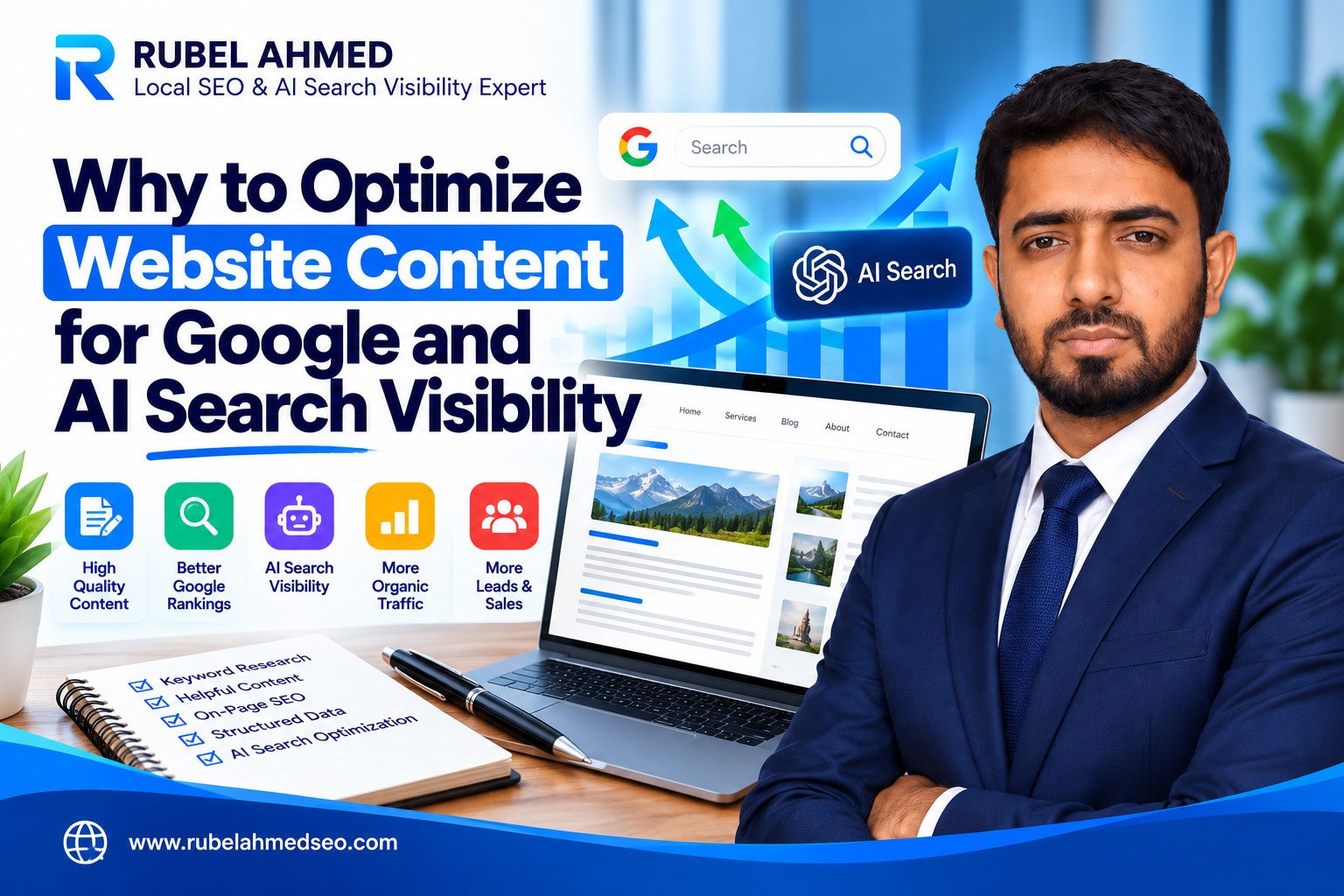
Why to Optimize Website Content for Google and AI Search Visibility
1. Your Google . Incomplete
One of the most common reasons a business does not rank on Google Maps is an incomplete Google Business Profile.
Google needs complete and accurate information to understand your business and match it with relevant searches.
Information You Should Include
Make sure your profile contains:
- Correct business name
- Accurate address
- Service areas
- Local phone number
- Website URL
- Business hours
- Primary business category
- Secondary categories
- Business description
- Services and products
- High-quality photos
- Appointment or booking links
An incomplete profile can reduce your relevance and make it difficult for Google to confidently recommend your business.
2. You Are . Category
Your primary business category tells Google what your business mainly does.
Choosing the wrong category can prevent your business from appearing for your most important search terms.
For example, if you are a mortgage broker but select only “Financial Consultant,” Google may not consider your profile highly relevant for mortgage-related searches.
How to Choose the Right Category
Select a primary category that accurately represents your main service.
You can also add relevant secondary categories for additional services.
Avoid adding categories that are unrelated to your business. Irrelevant categories can confuse Google and weaken your profile.
3. Your e . Inconsistent Online
Your business name, address, and phone number should remain consistent across the internet.
These details are commonly known as NAP:
- Name
- Address
- Phone number
Google may become less confident in your business information when different websites show conflicting details.
Common NAP Problems
Examples include:
- Different phone numbers
- Old business addresses
- Different business names
- Incorrect opening hours
- Duplicate business listings
- Outdated website URLs
Check your website, social media pages, business directories, and local citation websites to ensure your information is accurate.
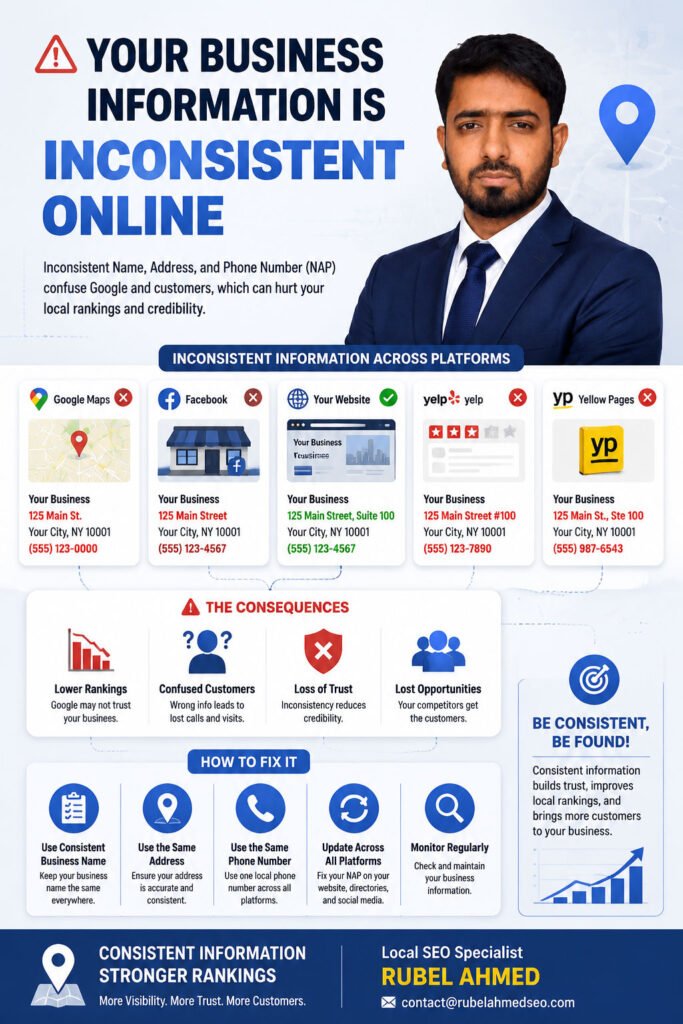
4. Your Business . the Searcher
Distance is an important Google Maps ranking factor.
When someone searches for a local service, Google usually gives preference to businesses located closer to that person.
This means your ranking may change depending on where the search is performed.
How to Improve Visibility in Your Service Area
You cannot completely control proximity, but you can improve your location relevance by:
- Creating optimized location pages
- Publishing locally relevant content
- Building local citations
- Earning links from local websites
- Mentioning your genuine service areas
- Optimizing your website for local keywords
Do not use fake addresses, virtual offices, or false locations to manipulate Google Maps rankings.
5. You Do . Google Reviews
Customer reviews are important for local trust, visibility, and conversions.
A business with a steady flow of positive and detailed reviews may appear more trustworthy than a competitor with very few reviews.
How to Get More Customer Reviews
Ask satisfied customers to leave honest feedback about:
- The service they received
- The problem you solved
- Their experience with your team
- The specific service they purchased
- The location where the service was provided
You should also respond professionally to every review.
Your Website . Local SEO
Your Google Business Profile and website should support each other.
Google may analyze your website to better understand your services, location, expertise, and relevance.
Your Website Should Clearly Explain
- What your business does
- Which services you provide
- Where your business is located
- Which areas you serve
- How customers can contact you
- Why customers should trust your business
Create Dedicated Service Pages
Each major service should have its own page.
For example:
- Mortgage Broker Services
- First-Time Homebuyer Loans
- Home Refinancing Services
- Commercial Mortgage Services
A dedicated page allows you to provide more detailed information and target relevant search keywords.
Need Help Ranking Your Business on Google Maps?
Get professional support with your Google Business Profile, local citations, website optimization, customer reviews, competitor analysis, and local ranking strategy.
Local SEO Specialist | RUBEL AHMED
More Information: contact@rubelahmedseo.com

I am Rubel Ahmed Professional SEO Expert & Consultant, I have a Experience Of Over 2 Years in Keyword Research,On Page Optimazation,Content Strategy.